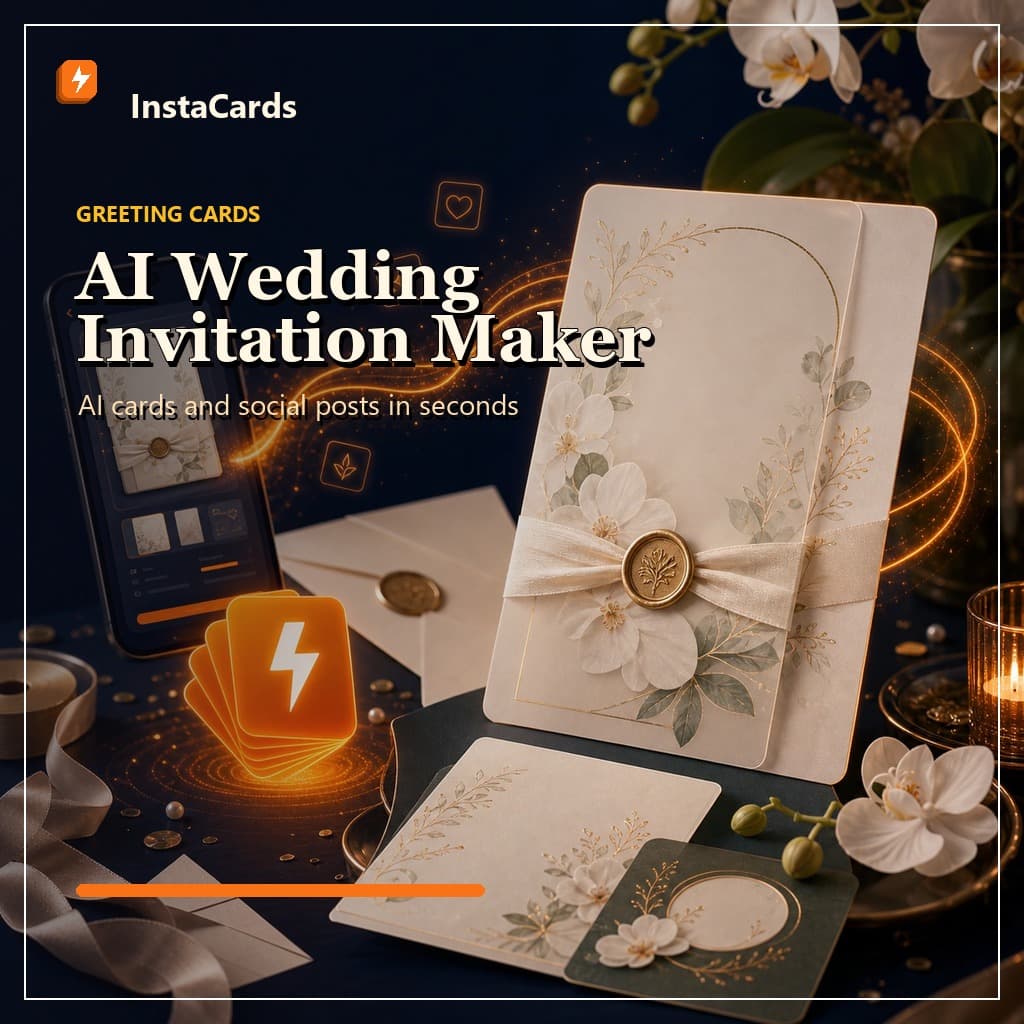
An AI wedding invitation maker helps you create a personalized wedding invite from a single description — style, wording, layout, and artwork — without starting from a blank design file. If you want something that looks custom (not like the same template everyone used), AI is the fastest way to get there.
If you're searching for an AI wedding invitation maker, you're probably trying to solve one of these problems:
- You want it to feel like you, not a generic template.
- You don't want to learn design tools just to place text in the center of a rectangle.
- You need an invite today (or at least a first draft you can refine tonight).
This guide gives you prompt templates, real examples, and a quick workflow you can copy/paste.
What an AI wedding invitation maker actually does
Traditional tools (including most "invitation makers") start with templates and ask you to edit them.
An AI wedding invitation maker starts with your description and generates a fresh invitation:
- Original artwork (in the style you ask for)
- Invitation wording in the right tone
- Layout that matches the vibe (minimal, classic, modern, rustic, etc.)
If you want to try a fast workflow, you can use Instacards as your starting point:
- Create an invite: AI Card Maker
- Generate directly: Create with AI
- Browse inspiration first: Templates
The 2-minute workflow (good enough for 90% of couples)
Step 1: Decide your vibe in one sentence
Pick one clear style direction:
- "Modern minimalist, black + ivory, lots of white space"
- "Romantic watercolor florals, soft blush + sage"
- "Vintage letterpress, deep navy and cream"
- "Destination beach wedding, bright and playful"
Step 2: Fill in this prompt template
Copy this and replace the brackets:
Wedding invitation. Style: [style words]. Colors: [2–3 colors].
Names: [name 1] & [name 2]. Date: [day, month date, year]. Time: [time].
Venue: [venue name, city]. Tone: [formal / warm / playful].
Include: [dress code / reception details / RSVP line].
Layout: clean, readable typography, clear hierarchy.
If you want the AI to stop guessing, add constraints:
- "No emojis. No clipart. No cursive that's hard to read."
- "Keep all text inside safe margins."
- "Use high contrast for readability."
Step 3: Generate, then tweak the details
Make your first version quickly, then iterate:
- Too busy? Ask for "more white space" and "fewer decorative elements."
- Too plain? Ask for "a subtle floral border" or "a single accent illustration."
- Wrong tone? Ask for "more formal wording" or "less formal, more warm."
Start here: Free AI greeting card generator (works for invitations too).
12 ready-to-use AI wedding invitation prompts
Use these as-is, or swap your details.
1) Modern minimalist
Modern minimalist wedding invitation. Black text on ivory. Lots of white space. Sans-serif headline. Names: Ava & Theo. Saturday, September 12, 2026 at 4:00 PM. The Glasshouse, Auckland. Reception to follow. RSVP by August 10.
2) Romantic watercolor floral
Watercolor floral wedding invitation with soft blush and sage. Elegant serif typography. Names: Mia & James. Friday, November 6, 2026 at 3:30 PM. The French Bay Yacht Club, Auckland. Dress code: cocktail. RSVP by October 1.
3) Destination beach wedding
Destination beach wedding invitation. Bright, airy, tropical illustration. Coral + aqua palette. Names: Isla & Noah. Saturday, February 21, 2027 at 5:00 PM. Waiheke Island, New Zealand. Sunset ceremony. Reception and dancing after.
4) Classic formal (black tie)
Classic formal wedding invitation. Black tie. Minimal border. High-contrast typography. Names: Olivia Rose Chen and Daniel Michael Patel. Saturday, October 3, 2026 at 6:00 PM. St Patrick's Cathedral, Auckland. Dinner and dancing to follow.
5) Rustic / boho
Rustic boho wedding invitation. Hand-drawn foliage border, warm neutral tones, textured paper feel. Names: Harper & Luca. Saturday, March 14, 2027 at 2:00 PM. Kumeu Valley Estate, Auckland. Outdoor ceremony. Bring comfortable shoes.
6) Winter wedding
Winter wedding invitation. Deep navy background with silver accents, subtle snowflake pattern, elegant serif font. Names: Sophia & Eli. Saturday, July 18, 2026 at 5:30 PM. The Lodge, Queenstown. Warm reception inside. RSVP by June 10.
7) Micro-wedding (intimate tone)
Intimate micro-wedding invitation. Warm, simple, personal tone. Minimal design, soft cream background. Names: Chloe & Sam. Saturday, May 9, 2027 at 1:00 PM. Private garden ceremony, Wellington. Small gathering. Please keep this invite private.
8) Same-sex wedding (neutral, modern)
Modern wedding invitation with inclusive wording. Clean typography, minimal geometric border, lavender + charcoal palette. Names: Jordan & Riley. Saturday, August 29, 2026 at 4:30 PM. Auckland Art Gallery. Reception to follow. RSVP by July 25.
9) Indian fusion wedding (colorful, elegant)
Elegant Indian fusion wedding invitation. Rich jewel tones (emerald, gold, ruby), tasteful ornamental border, readable typography. Names: Anaya & Kiran. Saturday, December 5, 2026 at 2:00 PM. Ceremony and reception at The Great Hall, Auckland. Festive attire.
10) Vintage letterpress
Vintage letterpress wedding invitation. Cream paper texture, deep navy ink, classic serif font. Names: Hazel & Finn. Saturday, April 11, 2027 at 3:00 PM. Old St Mary's, Auckland. Reception at The Wharf. RSVP by March 1.
11) Save the date (matching set)
Save the date card that matches a modern minimalist invitation set. Ivory background, black typography, small monogram. Names: Ava & Theo. Save the date: September 12, 2026. Auckland. Formal invitation to follow.
12) Last-minute invite (super clear)
Wedding invitation, extremely clear and readable. Minimal design, high contrast, no decorative script fonts. Names: Mia & James. Wedding: November 6, 2026 at 3:30 PM. Venue: The French Bay Yacht Club, Auckland. RSVP by October 15. Include a simple RSVP line.
A quick checklist before you send or print
AI is fast. Humans still need to double-check.
- Names: spelling, middle names (if used), and order
- Date & time: include the day of week to reduce confusion
- Venue: full venue name + city (and a short address if needed)
- Dress code: only if you actually care
- RSVP: deadline, where to RSVP (and whether plus-ones are named)
- Readability: high contrast, no tiny script fonts, enough spacing
If you're also making matching announcement posts for Instagram, use the same prompt style and generate a social version here: Instagram post generator.
Instacards vs Canva for wedding invitations (when to use which)
If you already love Canva and enjoy fine-grained control, Canva is great.
But if your bottleneck is starting (layout + wording + artwork), AI is faster:
- Canva: best when you have a clear template and want perfect control
- Instacards: best when you want a fresh design and solid wording fast
If you're curious how AI tools stack up overall, see: Best AI card makers in 2026.
FAQ: AI wedding invitation maker
Can AI write the wedding invitation wording?
Yes. The trick is giving it the tone you want (formal vs warm vs playful) and the exact details you need included. Use the prompt template above and you'll get wording that's close on the first try.
Will it look "template-y"?
It doesn't have to. Ask for "original artwork" and describe the aesthetic (minimal, watercolor, vintage letterpress, etc.). Then iterate: "more white space", "simpler border", "less decorative", "more modern typography".
Can I use it for save-the-dates and thank-you cards too?
Absolutely. Once you have your style locked, keep the same style line and swap the event details. For thank-you notes, this guide is a good next step: AI thank-you cards for small business (the prompts work for weddings too).
Ready to generate your wedding invite?
Start with one prompt, get a draft, and iterate twice. That's usually enough.
- Generate an invitation now: Create with AI
- Or browse inspiration first: Templates