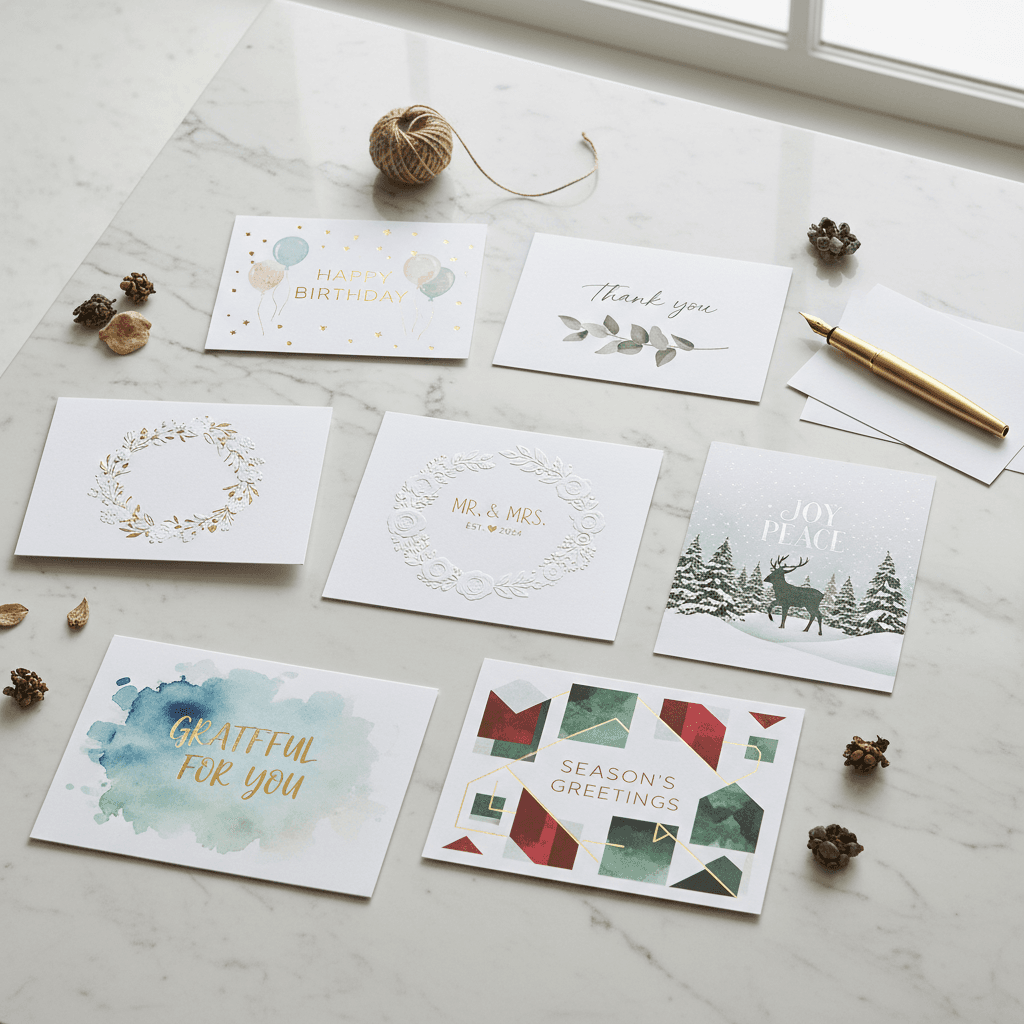
The best AI card maker depends on what you need. Instacards is best when you want a finished digital card from one prompt. Canva is best when you want template control. Adobe Express is strongest if you already use Adobe tools. Silly Robot Cards is a better fit when you want a printed card delivered.
This is not a self-awarded leaderboard. It is a practical comparison of visible product positioning, public pricing pages, and the workflow each tool is built around.
Last checked: May 29, 2026. Pricing and feature details can change, so check each product before you buy.
How to Choose an AI Card Maker
Start with the job you need done:
- Fast digital card: You want to type the idea once and get original artwork plus card text.
- Design control: You want templates, drag-and-drop editing, brand assets, and print options.
- Printed delivery: You want a physical card mailed to someone.
- Simple sample workflow: You want to browse card examples and create from a lightweight card gallery.
- Business use: You need repeat card creation for thank-yous, customer moments, events, or social posts.
Those are different jobs. A tool can be excellent for one and frustrating for another.
Quick Comparison
| Tool | Best fit | Workflow | Pricing signal | Main tradeoff |
|---|---|---|---|---|
| Instacards | Fast personalized digital cards | Prompt -> original artwork + card text | Free tier; Starter $8/mo; Pro $15/mo; credit packs | Digital-first; no print-and-mail service |
| Canva | Full design control | Template/editor first, with AI features inside a design suite | Free plan; paid plans vary by market/account | More flexible, but slower if you just need one finished card |
| Adobe Express | Adobe users and brand assets | Template/editor first, with Firefly-powered AI features | Free plan; Premium pricing shown on Adobe's regional pricing page | Strong suite, but not a dedicated card-only workflow |
| Venngage | Template-based visual communication | DesignAI/templates/editor | Free plan; Premium listed from $10/mo annually or $19 monthly | Built for broader visual content, not just greeting cards |
| Silly Robot Cards | Printed AI cards | Personalize -> print/send | Per-card checkout | Best for physical delivery, less direct for digital-only card creation |
| Varnz.ai | Simple card samples | Pick/create card-style outputs | Public site emphasizes signup and card samples | Lightweight; less clear paid-plan depth |
Instacards - Best for Fast Personalized Digital Cards
Price: Free tier with 3 creations per month and watermark | Starter $8/mo | Pro $15/mo | credit packs from $3
Instacards is built for people who want a finished digital card quickly. You describe the occasion and the person, and the product generates original artwork plus the card message in one workflow.
Where it wins:
- One-prompt workflow for the image and the words
- Original AI artwork rather than stock templates
- Fast path from idea to shareable card
- Useful for birthday, thank-you, anniversary, graduation, and small-business cards
- Free tier available for testing the workflow
Tradeoffs:
- Free creations include a watermark
- No print-and-mail fulfillment
- Less pixel-level design control than Canva or Adobe Express
Best for: People who want a personalized digital card without opening a full design editor.
Try it: Create an AI card with Instacards
Canva - Best for Design Control
Price: Free plan; check Canva's live pricing page for current paid-plan pricing.
Canva is a broad design platform with a large template library, strong editing controls, brand tools, and print options. For cards, it works best when you want to choose a template and manually control the final design.
Where it wins:
- Huge template library
- Strong drag-and-drop editor
- Good for brand-controlled designs
- Print options and many export formats
Tradeoffs:
- More steps than a dedicated one-prompt card maker
- Template-based results can feel less personal unless you spend time customizing
- The interface can be more than you need for a quick personal card
Best for: People who want full creative control and are happy to spend time designing.
Source: Canva pricing
Adobe Express - Best for Adobe Users
Price: Free plan; Adobe Express Premium pricing is shown on Adobe's regional pricing page.
Adobe Express is a strong option if you already like Adobe workflows or need access to Adobe Stock, Adobe Fonts, brand kits, and Firefly-powered generative tools.
Where it wins:
- Good template and asset ecosystem
- Firefly-powered AI features
- Useful brand and resizing tools
- Fits teams already using Adobe products
Tradeoffs:
- It is a general design tool, not a dedicated card maker
- A quick personal card can still require editor decisions
- Better for users who value the Adobe ecosystem
Best for: Adobe users who want cards as part of a broader content workflow.
Source: Adobe Express pricing
Venngage - Best for Template-Based Visual Content
Price: Free plan; Venngage lists Premium from $10/mo annually, with a $19 monthly option.
Venngage is best known for visual communication: infographics, reports, presentations, diagrams, and other business-friendly assets. Its card-related tools sit inside that broader design environment.
Where it wins:
- Strong template and visual-communication focus
- Useful for business materials beyond cards
- Premium plan includes high-resolution PNG exporting
- Broader design categories than a card-only product
Tradeoffs:
- Not purpose-built only for greeting cards
- Less direct than a one-prompt card generator
- Some export and business features sit behind paid plans
Best for: People who want card-style designs alongside other business visuals.
Source: Venngage pricing
Silly Robot Cards - Best for Printed AI Cards
Price: Per-card checkout; delivery details and pricing depend on the order and region.
Silly Robot Cards is focused on personalized AI cards that can be printed and posted. That makes it a better fit for people who specifically want a physical card delivered.
Where it wins:
- Personalized card concepts using faces, pets, hobbies, and inside jokes
- Print-and-post workflow
- Strong fit for UK-style physical greeting-card buying
- Useful when the final product needs to arrive in someone's mailbox
Tradeoffs:
- Less relevant if you only need a digital download
- Per-card pricing can add up for repeat use
- Delivery timing matters
Best for: People who want a physical AI-generated card printed and delivered.
Source: Silly Robot Cards
Varnz.ai - Best for Simple Card Samples
Price: Public site emphasizes signup and card samples; check the app for current plan details.
Varnz.ai shows a gallery of AI-generated greeting-card examples and lets users create similar cards. It is a lightweight option for trying simple AI greeting-card ideas.
Where it wins:
- Easy to browse sample card ideas
- Covers many occasions
- Simple entry point for casual users
Tradeoffs:
- Public pricing and paid-plan depth are less clear from the homepage
- Less obvious business or repeat-use positioning
- Lighter comparison evidence than larger design platforms
Best for: Casual users exploring simple AI greeting-card samples.
Source: Varnz.ai
Which AI Card Maker Should You Pick?
Choose based on the output you actually need:
| If you need... | Pick... | Why |
|---|---|---|
| A personalized digital card in seconds | Instacards | One prompt creates the artwork and message |
| Total design control | Canva | Mature template editor and brand controls |
| Adobe assets and Firefly AI | Adobe Express | Strong general design workflow |
| Business visuals beyond cards | Venngage | Broader visual-communication templates |
| A printed card delivered | Silly Robot Cards | Built around print-and-post cards |
| A basic free card sample workflow | Varnz.ai | Simple card gallery and creation entry point |
If your goal is a digital card you can create and share quickly, Instacards' AI card maker is the most direct fit. If you want to design every detail yourself, Canva or Adobe Express will feel more natural.
Ready to Try a Digital AI Card?
Describe the occasion, recipient, style, and message. Instacards will generate the card artwork and wording together, so you do not have to start from a blank canvas.
Frequently Asked Questions
Q: What is the best AI card maker in 2026?
There is no single best tool for every user. Instacards is best for fast personalized digital cards from one prompt. Canva is best for full design control. Adobe Express is best for Adobe users. Silly Robot Cards is best when you want a printed card delivered.
Q: Are AI-generated cards truly unique or do they use templates?
It depends on the tool. Instacards generates original artwork and card text from a prompt. Canva, Adobe Express, and Venngage are stronger template/editor tools with AI features included. Printed-card tools may combine AI personalization with a physical-card workflow.
Q: How much does an AI card maker cost?
Instacards has a free tier with 3 watermarked creations per month, paid plans at $8/mo and $15/mo, plus credit packs. Other tools vary: Adobe Express shows Premium pricing by region, Venngage lists Premium from $10/mo annually or $19 monthly, Canva pricing can vary by market/account, and printed-card tools usually price per card.
Q: Which AI card maker is best for small businesses?
For digital customer thank-you cards, employee recognition, and repeat card creation, Instacards is a strong fit because it creates the artwork and message together. If you need brand templates, Canva or Adobe Express may be better. If you need broader visual reports or infographics, Venngage is a better match.
Q: Can I print cards made with Instacards?
Instacards gives you a digital card image you can download or share. It does not currently print and mail cards for you. If print-and-post delivery is the main job, use a physical-card service such as Silly Robot Cards.
Q: How do AI card makers compare to Canva?
AI-first card makers like Instacards reduce the workflow to one prompt: describe the card, get original artwork and wording. Canva gives you more manual control inside a full design suite. Instacards is better for speed and personalization; Canva is better for detailed design control.