LinkedIn Post Generator
Best image size for LinkedIn posts
Use 1:1 square for a clean feed post or 4:5 portrait when the visual needs more presence. Instacards supports both formats for AI-generated images.
What makes a LinkedIn post land
Lead with a clear professional point, add one specific detail from your experience, and keep the call to action human. Useful beats loud.
Turn a work update, hiring note, or sharp opinion into a polished LinkedIn post.
Describe the point you want to make. Instacards creates an original image, writes a professional caption, and suggests a few relevant hashtags so you can publish with less blank-page energy.
Generate a LinkedIn post free →Free to start. No credit card needed.
Professional tone control
Steer the caption toward thought leadership, hiring, founder updates, event recaps, or launch announcements without sounding like a corporate memo.
Image, caption, and hashtags together
One prompt creates an original visual, a LinkedIn-style caption, and a short set of relevant hashtags so the post feels cohesive.
Square or portrait for the feed
Generate 1:1 square or 4:5 portrait images that display cleanly in the LinkedIn feed. Keep the format focused on what Instacards actually supports.
Human, not hollow
Add your real context and tone notes, then let the AI structure the post so it sounds like a person with a point of view.
What people make with this
Real situations. The actual move you make.
You're hiring, but the role deserves more than a recycled job-board blurb.
→Describe the team, role, and kind of person you want. Get a polished hiring post with a visual and a caption that sounds intentional.
Your startup shipped a milestone, launch, or funding update and the announcement needs to feel credible.
→Share the headline, customer angle, and tone. Instacards turns it into a feed-ready LinkedIn post with restrained hashtags.
You learned something the hard way and want to turn it into a useful professional lesson.
→Drop the raw story. The AI shapes it into a thought-leadership post with a clear hook and one practical takeaway.
You came back from a conference with notes, photos, and no time to write the recap.
→Summarize the best session and who it matters for. Get a professional recap post you can copy into LinkedIn.
Examples made with Instacards
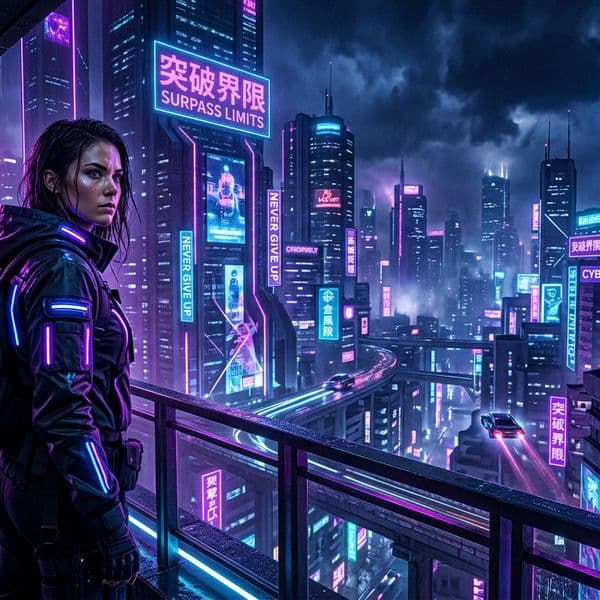
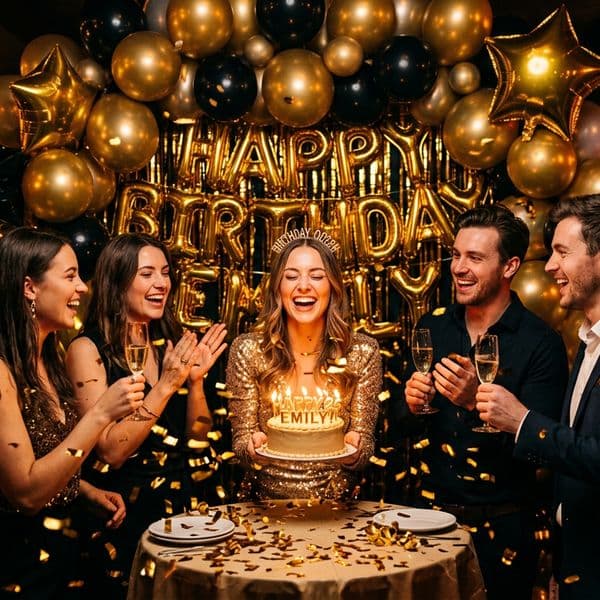
Every image is original AI art — no stock photos, no templates.


Frequently asked questions
Can I post directly to LinkedIn or schedule it?+
No. Instacards generates the image, caption, and hashtags. You download or copy the assets and publish them on LinkedIn yourself. Instacards does not schedule or publish it for you.
Is the LinkedIn post generator free?+
You get 3 free creations per month with a small watermark and no credit card required. Paid plans start at $8/month for 20 creations and remove the watermark.
Can I control the LinkedIn tone?+
Yes. Add tone notes like "founder voice", "calm hiring update", "practical B2B lesson", or "not too corporate" and the caption will follow that direction.
Can I use my own photo for a LinkedIn post?+
Yes. Upload your own image and Instacards can write a professional caption and relevant hashtags to match the photo.
What sizes work best for LinkedIn posts?+
Use 1:1 square for a standard LinkedIn feed post or 4:5 portrait when you want more vertical presence. Both are supported by Instacards.
Related
Other pages on Instacards worth a look.
Generate your first LinkedIn post
Free to start. Takes 10 seconds.
Generate a LinkedIn post free →