Facebook Post Generator
Best image size for Facebook posts
Use 1:1 square for a feed post and 9:16 for a Story-style image. Instacards supports both formats for AI-generated images.
What works for local Facebook posts
Be specific about the offer, date, place, or community moment. A clear local detail usually beats a generic promotional line.
Make local promos, event posts, and community updates without starting from a blank box.
Tell Instacards what you are announcing. It creates an original image, writes a Facebook-friendly caption, and adds relevant hashtags you can copy into a Page, group, or profile post.
Generate a Facebook post free →Free to start. No credit card needed.
Built for Pages, groups, and updates
Generate the visual and caption for a sale, community notice, group update, or Page announcement from one short prompt.
Promos and events made clearer
Give the date, offer, venue, or audience. Instacards turns it into a Facebook-ready post that tells people what to do next.
Feed squares and Story-style images
Create 1:1 square posts for the feed or 9:16 images for Stories. Keep the format honest and focused on what Instacards supports.
Warm local tone
Ask for friendly, neighborhood, seasonal, or community language so the caption sounds like it belongs on your Facebook Page.
What people make with this
Real situations. The actual move you make.
Your cafe has a weekend special and the regulars need to see it before Saturday morning.
→Describe the offer, hours, and neighborhood vibe. Get a square Facebook feed post with a friendly caption.
You are running a market, class, open day, or pop-up and need an event announcement today.
→Add the date, place, and who should come. Instacards creates a clear promo image and a caption with the details.
Your group or community page needs an update that sounds helpful, not like a brand campaign.
→Share the notice and tone. The AI writes a plain-English post with a visual people can understand quickly.
A holiday or seasonal moment is coming and your small business needs a timely post.
→Describe the season, product, and audience. Get a warm Facebook post ready to download and publish manually.
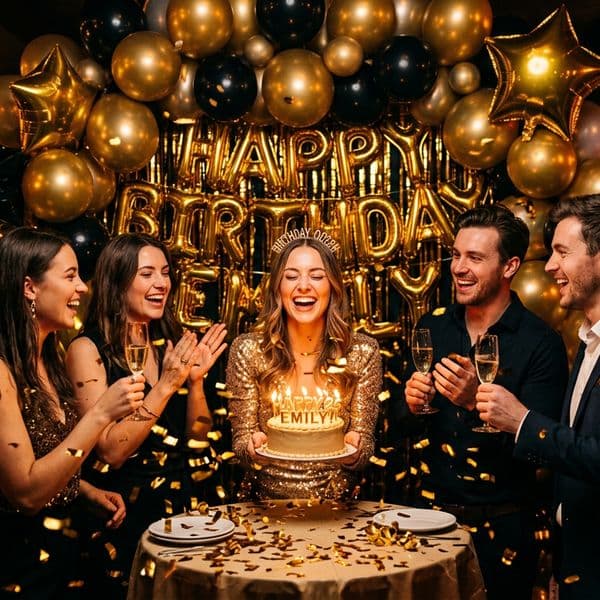
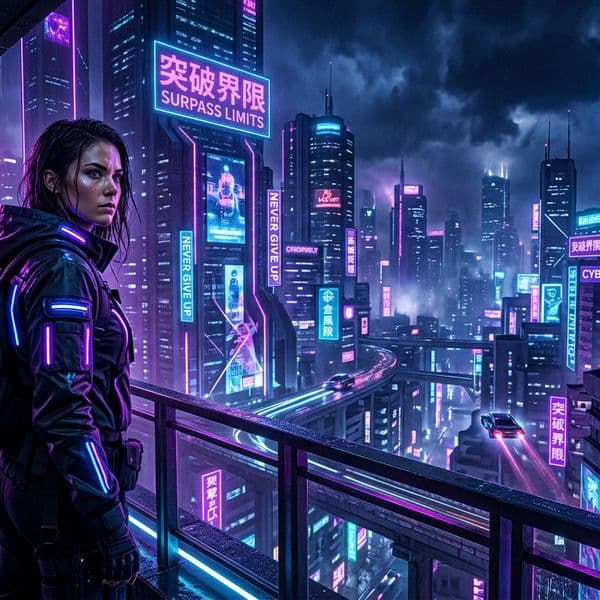
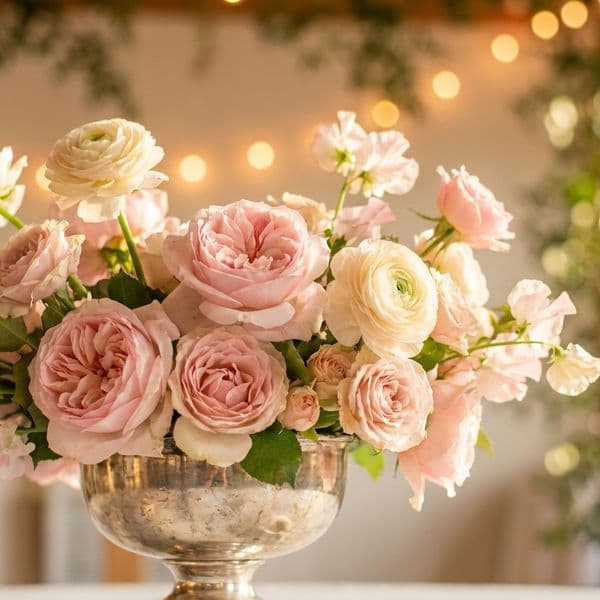
Examples made with Instacards
Every image is original AI art — no stock photos, no templates.

Frequently asked questions
Can I post to Facebook or schedule from here?+
No. Instacards creates the image, caption, and hashtags. You download or copy the result, then post it on your Facebook Page, profile, or group yourself. Instacards does not schedule or publish it for you.
Is the Facebook post generator free?+
Yes. You can create 3 posts per month for free with a small watermark and no credit card. Paid plans start at $8/month and remove the watermark.
What size should I use for Facebook posts?+
Use 1:1 square for a standard feed post. Use 9:16 when you want a Story-style image. Both formats are available in Instacards.
Can I use my own photo for a Facebook post?+
Yes. Upload your own photo and Instacards can write the caption and hashtags around it, which works well for shops, events, staff updates, and product photos.
Can I make the caption sound local and friendly?+
Yes. Add context like your town, audience, offer, or event mood, and ask for a warm community tone instead of a generic sales pitch.
Related
Other pages on Instacards worth a look.
Generate your first Facebook post
Free to start. Takes 10 seconds.
Generate a Facebook post free →